AI Trading Desk
Run your own AI trading desk.
Claude can read your account and prepare trades. The playbook gives you the exact questions, in the right order, with risk checked first.
PDF playbook + 6 bonuses · 14-day refund
 Works with Claude · free plan is enough
The part nobody tells you
Connected. Now what?
Without the playbook
An empty box. You do not know what to type.
With the playbook
ROLE: You are my risk officer. Be strict, short, no hype.
DATA: Read my account: balance, equity, margin, open positions with SL and TP.
RULES: Max 1% risk per trade. Max 3% open risk in total.
OUTPUT: 1) Risk used vs allowed. 2) Positions without a stop. 3) Verdict: OK or STOP.
ROLE: You are my position-size calculator.
INPUT: Pair, direction, entry, stop, and my risk of 1% of equity.
RULES: Use my live equity. Round lots down, never up. Show the math.
OUTPUT: Lots, money at risk, distance to stop. Do not place the order.
Professional prompts. Copy. Paste. Done.
You have to know what to ask.
A good answer starts with a good question.
1. Think
What do I want to know, and why?
2. Plan
What is my risk, my level, my size?
3. Ask
Then ask. Clear, short, in order.
Imagine this
A trading desk in your pocket.
Morning
Coffee in hand. Your whole account scanned before you finish it.
At work
Your phone lights up. Our level is hit. One tap.
Evening
Trade closed. Review done. You never opened a chart.
Watch it think
It reads. It marks. You decide.
We are near our level. Risk is 1%. Want me to prepare it?
In your pocket
Ask. Approve. Done.
9:41
Our level is hit
EURUSD reached 1.0815.
Our plan: sell 0.20 lots. Risk 1%. Shall I go ahead?
10:42
Trade closed
EURUSD sell · +€100.00
How did it go?
We closed it at our target. Result: +€100.00. Nothing is open now.
Two ways to trade
Manual vs your AI desk
Manual
AI desk
Check your account
Menus. Tabs. Squinting.
One message. Done.
Size a trade
Calculator. Spreadsheet. Guess.
Exact lots in seconds.
Read the market
Hours of charts.
A clear summary, now.
Where
Chained to a desk.
Wherever you are.
Who decides
You.
You. Always.
The Setup Playbook
This is what lands in your inbox
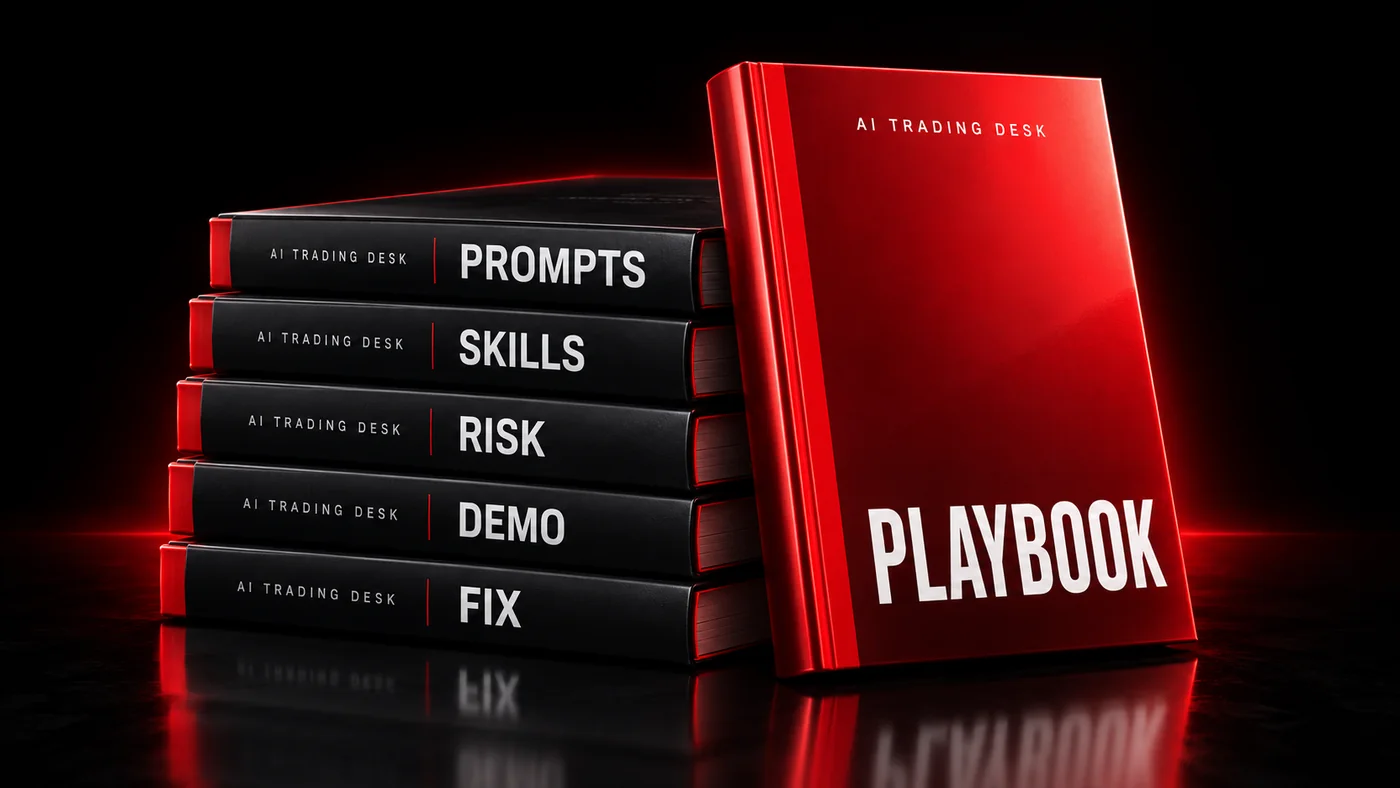
AI Trading Desk: The Setup Playbook
The method. What to ask, in what order, with risk first.
Bonus: The Desk Prompt Vault
30+ professional prompts, including a lab that tests strategy ideas on real candles.
Bonus: The Desk Skills Pack
Ready-made skills. Upload once, use every day.
Bonus: The Risk-First Card
One page. Your risk rules, before any order.
Bonus: The Demo Runbook
A one-week practice plan. Risk nothing.
Bonus: The “It Stopped Working” Sheet
Back online in minutes.
Bonus: The Desk Community
A private group for buyers.
One payment. Yours to keep.
€25
Digital playbook (PDF) + bonus pack · Community access included
14 days. One email. Full refund. Not what you expected? Write to [email protected] and we refund it. No questions.
Quick answers
Connecting is free. Why pay?
Because an empty chat box gets you nothing. You get professional prompts built for trading: role, data, rules and answer format, ready to paste.
Does the AI trade by itself?
No. Every order needs your explicit approval.
Do I need to code?
No. You paste one address and sign in.
Which AI?
Claude. Its free plan allows one custom connector, and that is enough.
Will it message me?
Yes. A scheduled task in Claude (paid plans) checks the level we set and writes to you. Not an instant alarm.
Can I add TradingView?
Yes, as an optional extra. It needs a paid TradingView plan (Essential or higher). Using it together with Axi needs a paid Claude plan too, because the free plan keeps one custom connector.
Is it finished?
The Axi connector is in early testing, so things can change. We update the playbook when they do.
Is this financial advice?
No. It is a how-to guide. Every decision is yours.
Connecting is free
Two steps. Five minutes.
- 1
Open an Axi MT5 account
A demo account is enough. Only MT5 accounts can connect.
Open your Axi MT5 account - 2
Add the connector in Claude
Customize, Connectors, Add custom connector. Paste this address.
https://mcp.axi.com/mcp
Then comes the real question: what do you ask? That is the playbook.